
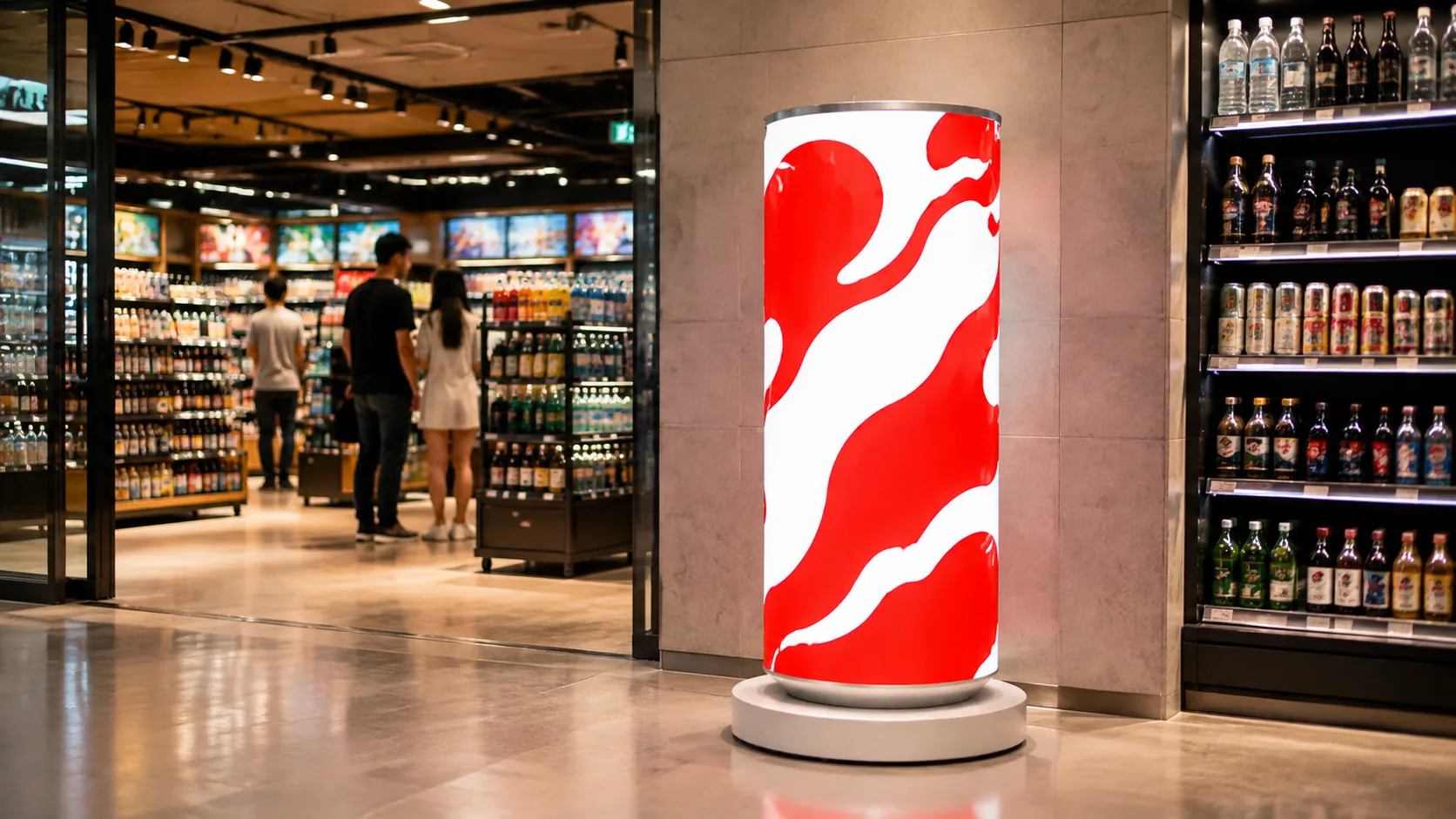
A can-shaped LED display gives beverage, retail and event campaigns a recognizable 360-degree canvas. The enclosure may look simple, but choosing the wrong brightness, protection level, pixel pitch or service method can create avoidable cost and maintenance problems.
This buyer’s checklist explains the practical differences between indoor LED can displays, outdoor LED can displays and refrigerated LED ice can displays.
Quick comparison
| Decision point | Indoor LED can | Outdoor LED can | LED ice can |
|---|---|---|---|
| Typical use | Retail, malls, exhibitions and indoor events | Plazas, pedestrian streets, stadiums and outdoor activations | Beverage launches, supermarkets, pop-up retail and hospitality |
| Pixel pitch | P1.53 to P2 options | P3.33 or P4 | P1.86 |
| Brightness | 500–650 cd/m² | 5000–5500 cd/m² | 500–650 cd/m² |
| Protection | Front GOB; rear IP43 guidance | IP65 complete display; IP68 flexible modules | Front GOB; rear IP43 guidance |
| Special function | Fine-pitch close viewing | All-weather, long-distance visibility | 50 L refrigerated storage at 0–5°C |
Published ranges are a starting point. The final configuration should be confirmed against the installation drawing, local environment, content resolution and service-access plan.
1. Start with the installation environment
Indoor projects normally prioritize close viewing, fine pixel pitch, quiet operation and a refined enclosure finish. Store entrances, mall atriums and exhibition booths usually have controlled lighting and do not require full outdoor weather protection.
Outdoor projects must account for sunlight, rain, dust, temperature changes, drainage and wind loading. An indoor product placed near an open entrance is not automatically suitable for outdoor use. Tell the manufacturer whether the display will be fully exposed, under a canopy or positioned behind glass.
2. Match pixel pitch to viewing distance
A smaller pixel pitch increases pixel density and generally improves close-view detail. JIAMI TV’s indoor can-display configurations cover P1.53 through P2, while the outdoor series uses P3.33 or P4 for longer-distance viewing and higher-brightness applications.
Do not select pitch from a product photo alone. Share the nearest and typical viewing distance, the display diameter and height, and the type of content you plan to show. Fine text, product pricing and detailed brand graphics may need a different resolution from large logos or motion backgrounds.
3. Check brightness and protection together
Brightness is only one part of outdoor readability. The outdoor can-display range is specified at 5000–5500 cd/m², compared with 500–650 cd/m² for indoor versions. The complete outdoor display is designed around IP65 protection, with IP68 flexible LED modules.
Ask how the enclosure handles rain paths, cable entries, ventilation and maintenance openings. Protection ratings should apply to the relevant complete assembly, not only to an individual component.
4. Confirm service access before approving the shape
Circular products need a clear maintenance strategy because the display surface wraps around the structure. The current indoor and outdoor can systems use front-service flexible LED modules. Confirm the working clearance around the unit, the module-removal method and access to power supplies, receiving cards and internal cabling.
For permanent installations, request a service-access drawing. For events or mobile retail, also confirm packaged dimensions, weight, lifting points, caster design and transport protection.
5. Decide whether refrigeration is part of the campaign
An LED ice can combines a 360-degree display with a 50-liter refrigerated compartment operating at 0–5°C. It suits sampling, beverage launches and retail promotions where the same unit must show animated content and store chilled products.
Because refrigeration adds weight, cooling hardware and power demand, confirm the venue’s electrical supply, ventilation clearance, operating hours and cleaning process. If cold storage is not needed, an indoor LED can is usually the simpler configuration.
6. Plan content and control early
Curved content should be prepared for the exact pixel canvas. Request the final resolution, safe zones and content template before design production begins. Confirm whether your workflow requires WiFi, USB, HDMI or network-based publishing, and whether the project will use Novastar, Mooncell or another approved control system.
For camera-facing events, a 3840 Hz refresh rate and the planned shutter settings should be reviewed together during testing.
RFQ checklist for an accurate proposal
- Indoor, outdoor, semi-outdoor or refrigerated application
- Target diameter, display height and total unit height
- Nearest and typical viewing distance
- Required pixel pitch or content resolution
- Ambient light and target brightness
- Fixed or mobile installation
- Front-service clearance and maintenance route
- Content input and control-system preference
- Operating hours, local voltage and plug standard
- Quantity, delivery destination and required completion date
Choose the system around the application
Choose an indoor LED can for fine-pitch retail and event viewing, an outdoor LED can for exposed high-brightness advertising, or an LED ice can when refrigerated storage is part of the activation. A reliable proposal should connect the visual idea to the real environment, content, structure, power and maintenance plan.
Send JIAMI TV your project dimensions and application details for a project-specific configuration review.