
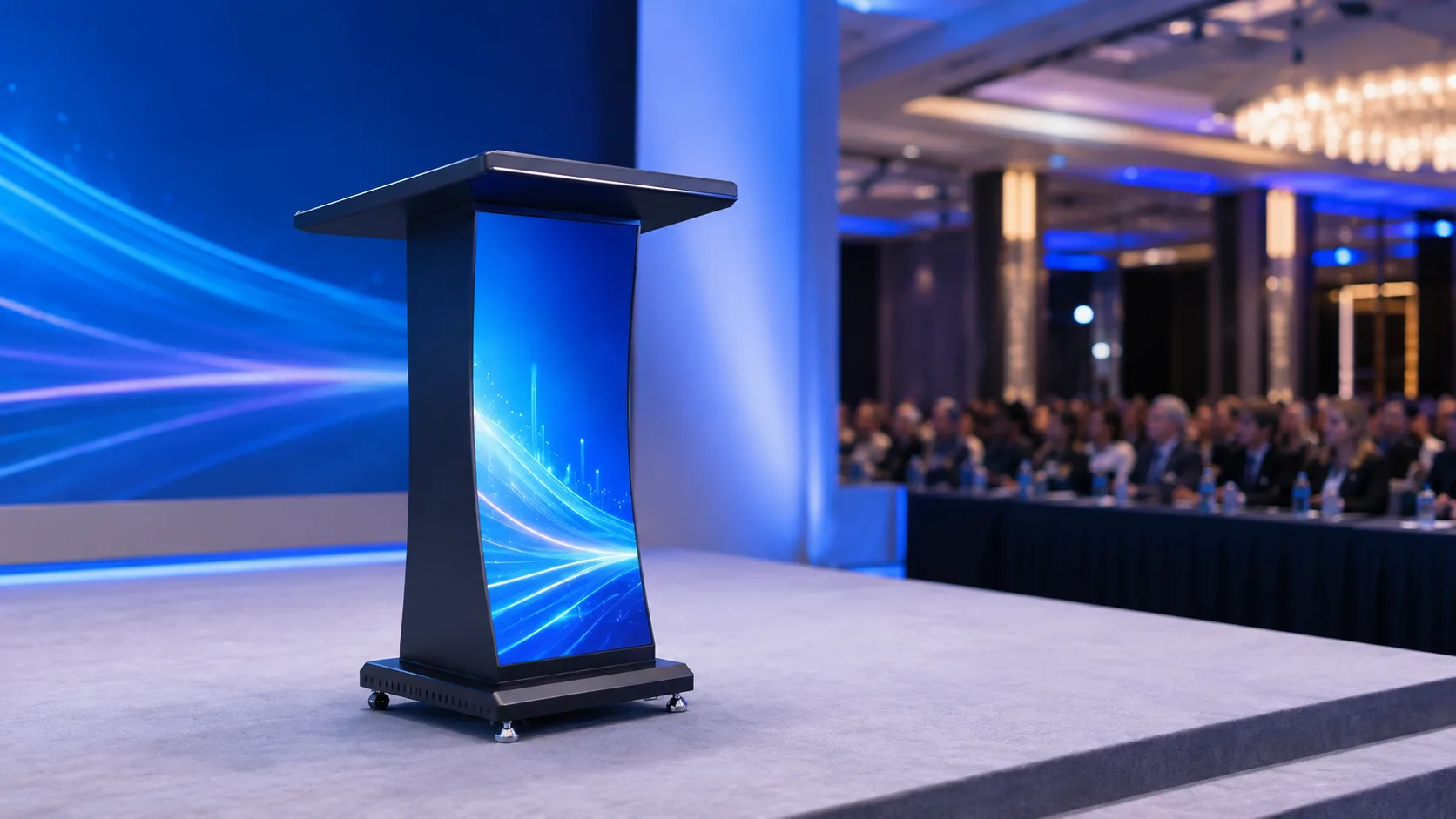
An LED lectern combines the speaker’s presentation position with a front-facing digital display. For conference halls, universities, training centers and corporate venues, it can carry event branding, speaker names, agendas and live visual content without adding a separate screen in front of the podium.
The right specification depends on much more than appearance. Pixel pitch, display width, camera use, maintenance access, height adjustment, power and control all affect whether the lectern works reliably in the finished venue. This checklist summarizes the main decisions procurement teams and system integrators should confirm before requesting a quotation.
1. Start with the venue and viewing distance
Define where the lectern will be installed, the nearest normal viewing position and whether the product will be fixed in one room or moved between spaces. A boardroom or training room typically has a shorter viewing distance than a large conference hall. That difference influences pixel pitch and the physical width of the LED canvas.
JIAMI TV’s LED lectern range includes fixed display widths of 320, 480 and 640 mm. A compact model may be appropriate for a narrow teaching platform, while a wider display creates a stronger visual presence for conferences, ceremonies and corporate events. Confirm the available floor area, access route and storage requirements before choosing the body size.
2. Choose pixel pitch for the real audience
The available fine-pitch GOB options include P1.8, P1.53 and P1.25 for fixed models, with P1.8, P1.5 and P1.2 options for the height-adjustable display. Smaller pixel pitch provides higher pixel density and is useful when the audience, presenter or camera will be close to the screen.
Do not select pitch from a brochure table alone. Provide the nearest and typical viewing distances, the content style and the expected budget. Large logos and simple event graphics can tolerate a different pixel density from detailed schedules, small text or close-up camera framing.
3. Decide between fixed and height-adjustable structures
A fixed lectern provides a stable furniture-style structure and is suitable for rooms with consistent operating requirements. A one-touch height-adjustable model supports different presenters and can be valuable in shared conference and education environments.
For an adjustable system, confirm the required operating range, control location, cable management and emergency manual procedure. The display specification is typically 320 × 480 mm, while the complete lectern includes the lifting structure, work surface, enclosure and integrated electronics. The final project drawing should show both the working height and the transport or storage condition.
4. Confirm resolution and content production
Resolution changes with both pixel pitch and display size. For example, a 320 mm fixed-width configuration can use resolutions of 172 × 516, 208 × 624 or 256 × 768 pixels, depending on pitch. Height-adjustable configurations can use 172 × 258, 208 × 312 or 256 × 384 pixels.
Ask the content team to prepare graphics for the exact native canvas. A portrait layout should keep speaker names, event titles and logos inside a safe area, especially when the presenter stands close to the display. Test important content on the finished unit before the event rather than relying only on a desktop preview.
5. Plan for cameras and lighting
Conference and education projects are frequently recorded or streamed. A 3840 Hz refresh rate helps reduce visible scan lines in common camera workflows, while 12–16 bit grayscale supports smoother gradients and low-brightness detail. Camera shutter settings and exposure still matter, so final acceptance should include a recording test with the venue’s actual equipment.
Published brightness ranges are approximately 450–650 cd/m² for fixed units and 500–650 cd/m² for adjustable units. Select the working brightness according to ambient light, camera exposure and visual comfort. Maximum brightness is not always the best operating point in an indoor room.
6. Specify maintenance and surface protection
The lectern display uses front-service access, allowing technicians to reach LED components without dismantling the complete furniture body. A front GOB treatment helps protect the fine-pitch surface in guest-facing spaces, while the published front protection level is IP43.
Before approval, confirm how modules, power supplies and control components can be removed, what clearance is needed and which spare parts will be supplied. If the lectern will be moved frequently, also review edge protection, wheel or base design, transport packaging and connector strain relief.
7. Check power, control and room integration
Typical input is AC 100–240 V with Novastar or Mooncell control options. Published average power varies by model: approximately 50–200 W for fixed systems and 200–700 W for adjustable systems. The final electrical schedule must use the approved project configuration rather than a generic range.
List every required input and operating method: local playback, HDMI source, presentation computer, scheduled content or network control. Confirm cable entry, network availability, audio requirements and how the operator will switch between event content and standby graphics.
Procurement information to send with your inquiry
- Venue type and installation address
- Nearest and typical viewing distance
- Preferred fixed or height-adjustable structure
- Target display width and pixel pitch
- Camera or live-streaming requirements
- Content source, input format and control preference
- Finish color, branding and work-surface requirements
- Delivery date, packaging and installation support needs
These details allow the manufacturer to confirm the display configuration, mechanical drawing, electrical load, control system and production schedule. Review the JIAMI TV LED Lectern Display product page for the current model range, or send your project brief for a configuration review.
Published values are product-selection guidance. Final dimensions, electrical data, protection level and performance requirements should be confirmed in the approved technical proposal for each project.